Learn
What is an eSIM? How travel eSIMs work
By Serhat Dogan · Founder & editor, Miyaw eSIM · Last updated 2026-06-03
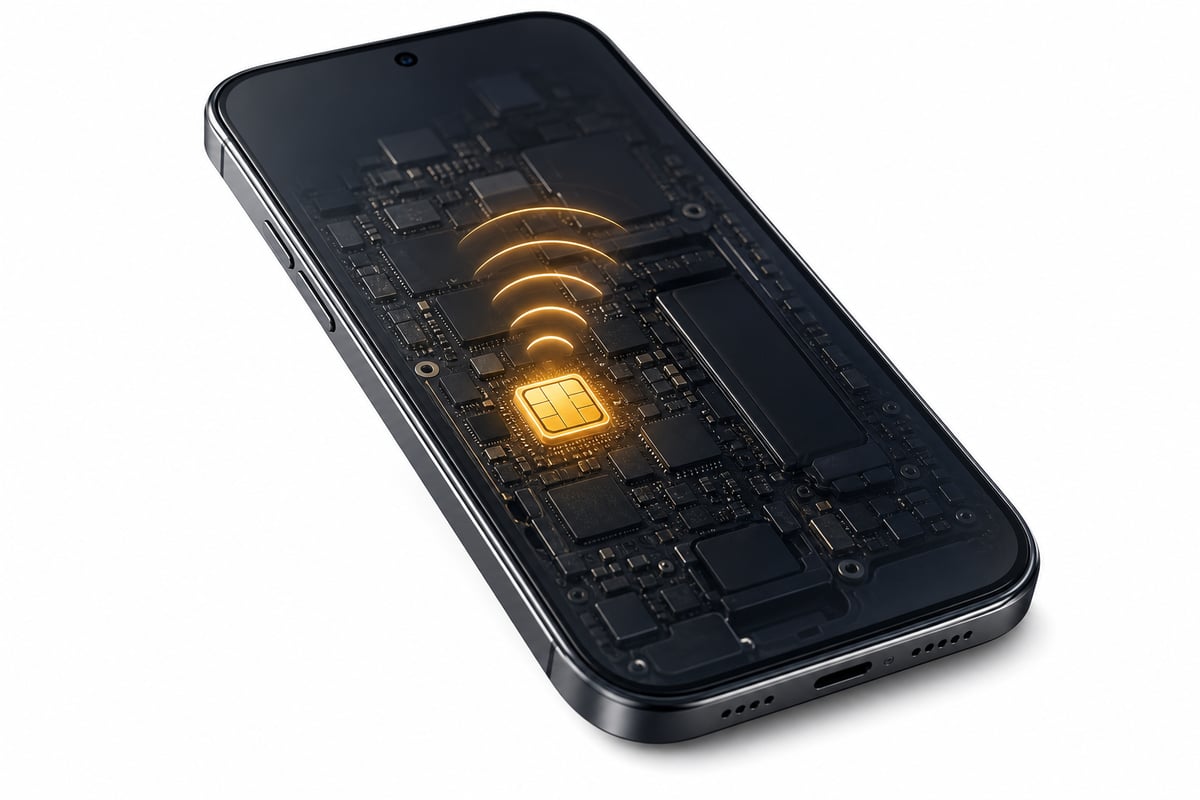
An eSIM is a digital SIM built into your phone. Instead of a plastic card, you activate a data plan by scanning a QR code. A travel eSIM gives you local-style data the moment you land — no roaming bills and no swapping SIMs. This guide covers compatibility, installation and what to expect.
eSIM vs a physical SIM
| What changes | eSIM | Physical SIM |
|---|---|---|
| Getting one | Bought online, delivered by QR in minutes | Posted or bought in-store |
| Switching abroad | Add a travel plan without removing your home SIM | Swap the card (and risk losing it) |
| Keeping your number | Runs alongside your home SIM — number kept | One card at a time on single-SIM phones |
| Topping up | Add data online to the same profile (plan permitting) | Buy and insert a new card |
| Losing it | Nothing physical to lose; delete a profile any time | Easy to misplace a tiny card |
What is an eSIM?
An eSIM (embedded SIM) is a small chip already inside most recent phones. It does the same job as a physical SIM, but you load a plan onto it digitally. Your phone can hold several eSIM profiles and switch between them in Settings, so a travel data plan can sit alongside your normal SIM. GSMA Intelligence forecasts that around 55% of the world's smartphone connections (about 4.9 billion) will use an eSIM by 2030.
Will my phone work?
Most recent iPhones and many newer Android phones support eSIM. The quickest check: open Settings → Mobile data (or Network) → Add eSIM. If that option exists, your phone is eSIM-capable. Some phones bought from carriers can be SIM-locked, which also blocks third-party eSIMs — an unlocked phone is required. According to Apple, eSIM works on every iPhone from the iPhone XS (2018) onward; US models from the iPhone 14 ship without a physical SIM tray.
How to install a travel eSIM
You receive a QR code by email after buying. While you still have internet (at home or on Wi-Fi), open Settings → Mobile data → Add eSIM (on Samsung: Settings → Connections → SIM manager → Add eSIM), scan the code, and follow the prompts. Do this before you fly — installation needs a connection. Label the line clearly so you know which is your travel data.
When does my data start?
Installing the eSIM does not usually start the clock. Most travel plans begin counting when the eSIM first connects to a network at your destination, though terms vary by plan — always check the validity before you buy. Enable Data Roaming for the travel line so it can connect to local networks abroad.
Keep your number, skip roaming
Because a data-only travel eSIM runs alongside your home SIM, you keep your own number for calls and texts while using the eSIM for cheaper local data. Turn off Data Roaming on your home line so it does not rack up charges in the background.
Set up a travel eSIM, step by step
- 1
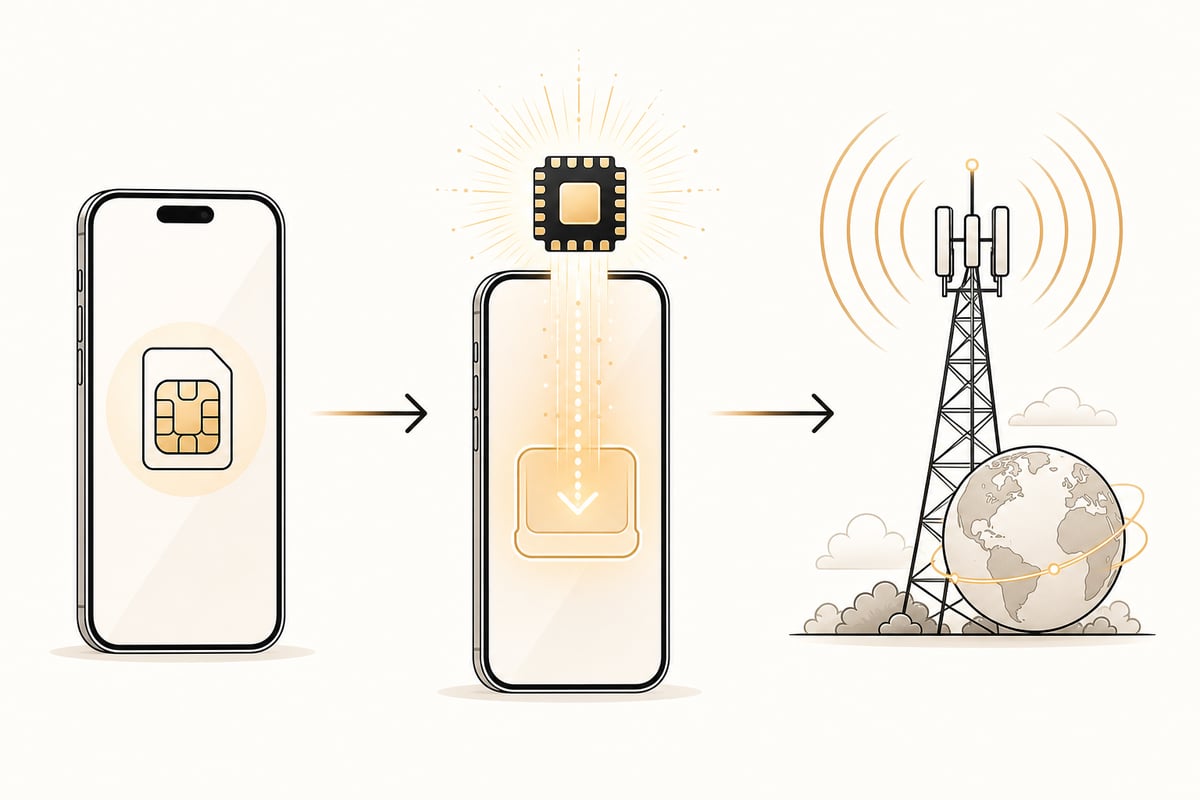
Buy your plan
Choose your destination and a data plan, and pay — you receive a QR code by email.
- 2
Install before you fly
Before you fly, open Settings → Mobile data → Add eSIM and scan the QR code.
- 3
Connect on arrival
On arrival, turn off Airplane mode; the eSIM connects to a local network and your plan starts.
- 4
Manage online
Manage or top up the plan from your browser whenever you need more data.
Common questions
- Is an eSIM safe to use?
- Yes. An eSIM works the same way as a physical SIM but cannot be lost or physically stolen. You manage it in your phone settings and can delete a profile at any time.
- Can I use an eSIM and my normal SIM at the same time?
- On dual-SIM phones, yes. You can receive calls and texts on your home number while using the eSIM for data — this is called Dual SIM Dual Standby.
- What happens when my data runs out?
- If your plan supports top-up, you add data to the same profile online. Otherwise you buy a new plan and install it like the first — your phone can hold several eSIMs.
Sources
In-depth guides
- How much eSIM data do I need?
- Why is my eSIM not working?
- Can you use an eSIM and a physical SIM at the same time?
- Is an eSIM safe to use?
- Do I need an eSIM for Japan?
- Do you need an eSIM for Thailand?
- Do you need an eSIM for South Korea?
- Do you need an eSIM for the USA?
- Do you need an eSIM for Italy?
- Do you need an eSIM for Spain?
- Do you need an eSIM for France?
- Do you need an eSIM for the UK?
- Do you need an eSIM for Canada?
- Do you need an eSIM for Australia?
- Do you need an eSIM for Germany?
- Do you need an eSIM for Mexico?
- Do you need an eSIM for Vietnam?
- Do you need an eSIM for Bali?
- Do you need an eSIM for Singapore?
- Do you need an eSIM for Brazil?
- Do you need an eSIM for Egypt?
- Do you need an eSIM for Morocco?
- Do you need an eSIM for Saudi Arabia?
- Do you need an eSIM for Dubai?